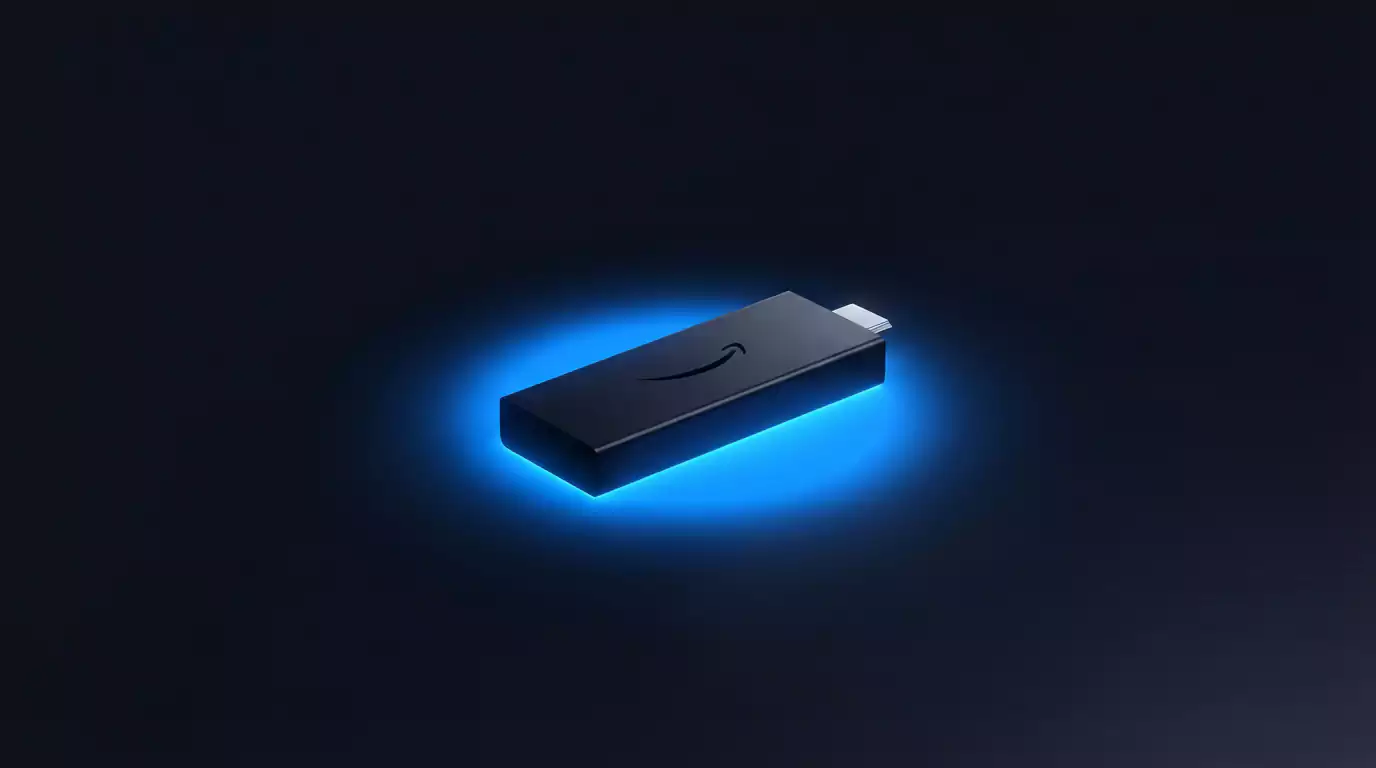
IPTV G2G for Firestick – Complete Setup Guide
📅 28 September 2026 · 7 min read · Focus keyword: iptv g2g firestick
The Amazon Firestick is the most popular IPTV device in the UK — and for good reason. It's affordable, easy to set up, and pairs perfectly with IPTV G2G 4K. This guide walks you through the complete Firestick setup using TiviMate, the most polished IPTV player available.
What You Need
- Amazon Firestick (any generation, including Fire TV Stick 4K)
- Active IPTV G2G 4K subscription (M3U URL + EPG URL)
- Wi-Fi connection (minimum 10 Mbps for HD, 25 Mbps for 4K)
Step 1: Enable Apps from Unknown Sources
- From the Firestick home screen, go to Settings
- Select My Fire TV → Developer Options
- Turn on Apps from Unknown Sources
- Confirm when prompted
This is required because TiviMate isn't available in the Amazon App Store but is perfectly safe to install.
Step 2: Install the Downloader App
- From the Firestick home, search for Downloader in the search bar
- Install the free Downloader app by AFTVnews
- Open Downloader and allow any permissions it requests
Step 3: Install TiviMate
- Open Downloader and go to the URL bar
- Type:
https://tivimate.comand navigate to the APK download link - Alternatively, search for a direct APK mirror — use the URL:
https://apkpure.com/tivimate-iptv-player/ar.tvguide.tvguide - Download and install the APK
- Once installed, open TiviMate from your app list
Step 4: Add Your IPTV G2G 4K Playlist
- Open TiviMate
- Tap Add Playlist
- Select M3U Playlist
- Enter your IPTV G2G 4K M3U URL (provided after purchase)
- Give the playlist a name (e.g. "IPTV G2G 4K")
- Tap Next — TiviMate will begin loading your channels
Step 5: Add the EPG Programme Guide
- In TiviMate, go to Settings → EPG
- Add your IPTV G2G 4K EPG URL
- Set the update frequency to every 12 or 24 hours
- Go back and press the Guide button — your schedule will appear
Step 6: Organise Your Channels
TiviMate lets you create favourites groups. We recommend:
- Setting up a UK Channels favourites list with BBC, ITV, Channel 4, Channel 5 etc.
- Creating a Sports group with Sky Sports, BT Sport/TNT Sports
- Adding a Kids group for family households
Alternative: IPTV Smarters Pro on Firestick
If you prefer a free option, IPTV Smarters Pro is available directly from the Amazon App Store:
- Search IPTV Smarters Pro in the Firestick search bar
- Install and open it
- Choose Load Your Playlist or File/URL
- Select M3U URL and enter your G2G playlist link
- Add your EPG URL in settings
Firestick Performance Tips
- Use a Fire TV Stick 4K or Fire TV Stick 4K Max for the best 4K performance
- Connect your router to the Firestick via the Ethernet adapter for rock-solid streaming
- Clear the TiviMate cache regularly: Settings → Apps → TiviMate → Clear Cache
- Restart your Firestick weekly for optimal performance
Frequently Asked Questions
Is TiviMate free?
TiviMate has a free version with basic features. The Premium version (around £4/year) unlocks multiple playlists, recording, and other advanced features.
Can I use IPTV G2G 4K on a first-generation Firestick?
Yes, though for 4K streams we recommend at least the Fire TV Stick 4K. Older devices may struggle with very high-resolution streams.
Do I need to redo the setup if I renew my subscription?
No. Your M3U URL stays the same when you renew. Simply continue with the same playlist in TiviMate.
Is it legal to use IPTV on a Firestick in the UK?
Using IPTV apps on a Firestick is completely legal. The legality depends on the content provider, not the device.
Ready to Watch IPTV G2G 4K?
Join thousands of UK households with 22,000+ channels, 4K quality, and 24/7 support.
View Plans from £10 💬 WhatsApp Us